

The new EmuELEC 4.0 update is now available, and it works on a number of devices, including the ODROID Go Super and PowKiddy RGB10. So let’s see what this new update is all about.
Continue reading “EmuELEC 4.0 Update – First Impressions”
The new EmuELEC 4.0 update is now available, and it works on a number of devices, including the ODROID Go Super and PowKiddy RGB10. So let’s see what this new update is all about.
Continue reading “EmuELEC 4.0 Update – First Impressions”
Last updated: 30NOV2021
UPDATE: Anberports has been replaced by PortMaster, use that instead.
Today I’m going to give you a quick overview of Anberports, a neat pre-compiler app for RG351 devices. You can use it to load over 25 standalone ports, like Half-Life, Quake III Arena, Diablo II, and Aliens vs. Predator, plus run streaming services like Moonlight, Stadia, and even GeForce Now. It’s still a little buggy, but if you’re looking to push the limits of your device, you’ll love this feature!
Continue reading “AnberPorts for RG351 Devices — Diablo II, Moonlight, Stadia, and more!”
For less than $20, I swapped out my old, terrible ODROID Go Super analog sticks for PS Vita sticks. It’s an awesome upgrade and in this video I’ll show you how I did it.
Buy yours on eBay, or at My Retro Game Case.
Continue reading “ODROID Go Super + PS Vita Analog Sticks Mod”
Last updated: 07FEB2021 (see Changelog for details)
The Amiga 500 and CD32 systems have endured in popularity for over 30 years. Today we’re going to see if we can get them running on the RG351 systems.
Continue reading “Guide: Amiga 500 and CD32 on RG351 Devices”
Last updated: 21APR2021
In today’s quick guide I will show you how to use cheats on a lot of today’s best retro handheld devices. This method will work on any number of RetroArch-capable systems, such as the RG351P or RG351M (or similar devices like the RGB10, OGA, RK2020), the Retroid Pocket 2, and even a hacked PS Vita.
Continue reading “Guide: RetroArch Cheats on Handheld Devices”
This new retro handheld has a 5″ screen and the same RK3326 chipset we know and love from the OGA, RG351P/M, RGB10, and others. So at about $100 (after shipping), is it worth picking up? Here are my initial impressions.
Buy one from Ameridroid or directly from Hard Kernel.
Continue reading “ODROID Go Super: Unboxing and First Impressions”
Last updated:15JUN2023 (see Changelog for details
I wasn’t expecting much from the PowKiddy V90, but I underestimated it. This little clamshell device was everything I was hoping for in a budget handheld. I’m comfortable saying that this is one of the best sub-$40 handheld devices you can buy, and it makes a great gift to friends and loved ones.
One of my favorite aspects of this device is the fact that it just uses a Nokia phone battery, and it’s easy to access and swap. If you’d like to buy a replacement (or upgraded) battery for the device, the ShenMZ or Taeozi models are recommended.
Continue reading “PowKiddy V90 Review and Guide”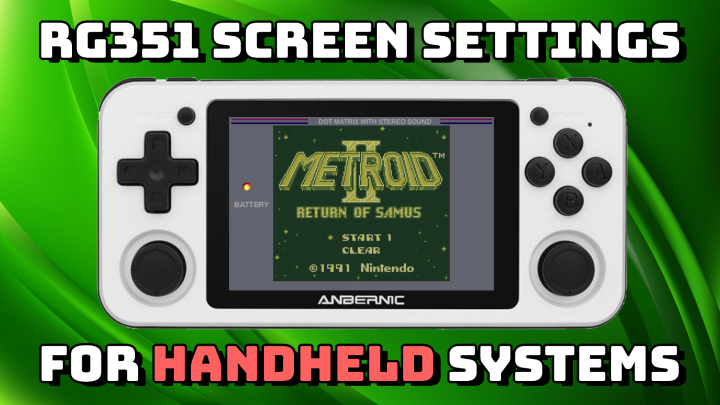
Last updated: 20MAY2021 (see Changelog for details)
There is a lot of different options available to you when you play handheld systems like the Game Boy or Game Gear on the RG351P or RG351M. So in this guide I’ll walk you through how to set up overlays, shaders, colorization, and ghosting in order to accurately recreate those original handheld systems.
Note that these instructions are specifically for the ArkOS and 351ELEC custom firmwares. If you are using the stock firmware, you can generally just follow the ArkOS instructions, but I would recommend you check out my firmware comparison guide and make the switch to one of these.
Continue reading “Guide: Handheld Screen Settings for RG351 Devices”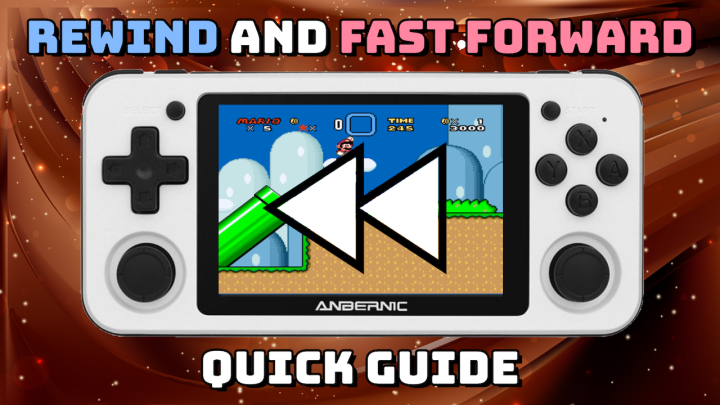
In today’s quick guide we’ll show you how to enable and use the rewind and fast-forward functions on a lot of today’s best retro handheld devices. This method will work on any number of RetroArch-capable systems, such as the RG351P (or similar devices like the RGB10, OGA, RK2020), Retroid Pocket 2, and even a hacked PS Vita.
Continue reading “Guide: Rewind and Fast Forward on Retro Handheld Devices”
Today we’re going to replace the terrible stock analog stick that comes with the PowKiddy RGB10 with a beautiful PS Vita analog stick. It’s the best $8 I’ve spent all year.
Find it (along with a lot of other neat mods) at My Retro Game Case.
Continue reading “PS Vita Analog Stick on an RGB10” Retro Game Corps